Choose a photo.
Open an image from your device and begin with the original or one of NeoFilm’s film-inspired profiles.
Import from your photo library, apply a profile or recipe, refine the result, and export—all on your device.
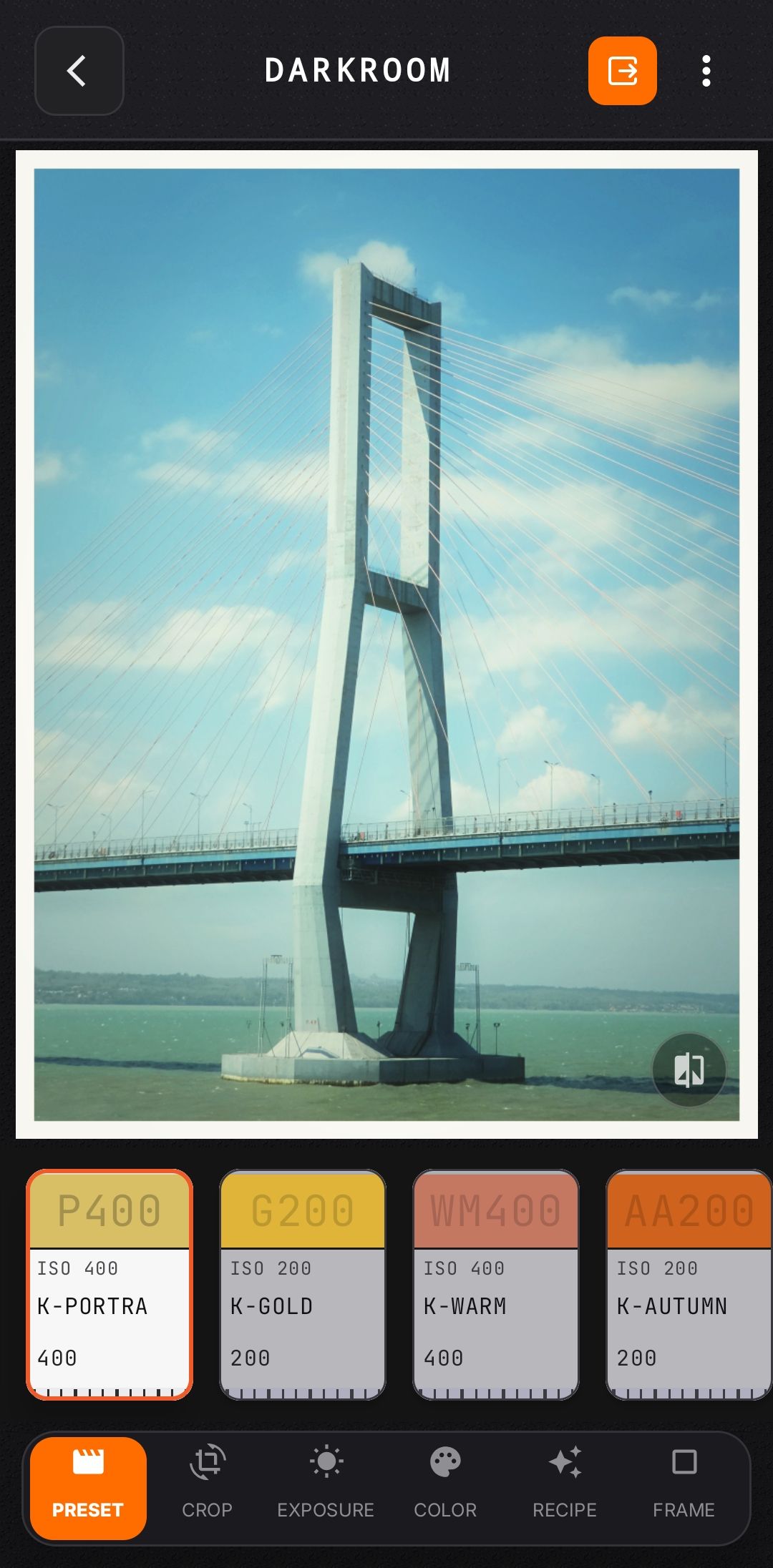
Open an image from your device and begin with the original or one of NeoFilm’s film-inspired profiles.
Apply a saved recipe or adjust color, tone, grain, halation, bloom, vignette, and other available controls.
Save a high-quality JPEG, process a selection, or create a film strip or contact-sheet layout.
NeoFilm includes film-inspired presentation tools for sharing a sequence, a contact sheet, or an individual photo.
NeoFilm performs photo capture and editing on your device and does not upload your photo library to NeoFilm-operated servers. System photo and location permissions remain under your device controls.
Read the privacy policy